
Google Search Console Workflow: From Issues to Actions
A practical Search Console workflow for SEO teams: Performance analysis, URL Inspection, sitemap monitoring, crawl stats, and how to turn signals into actions.
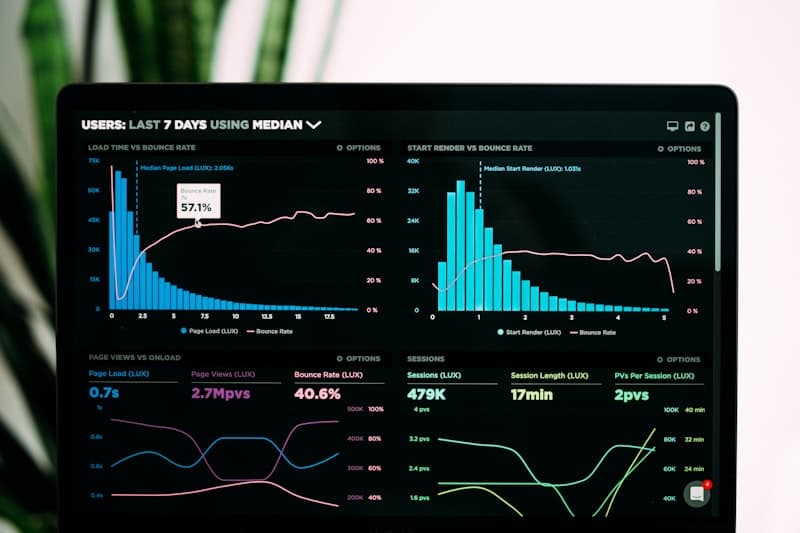
Search Console is your ground truth for Google Search performance. A repeatable workflow turns it from a dashboard into an action system.
TL;DR (Key takeaways)
- Use the Performance report to find what changed, then use URL Inspection to understand why. (Performance report) and (URL Inspection)
- Monitor Sitemaps and Crawl Stats to catch discovery/indexing regressions early. (Sitemaps report) and (Crawl Stats report)
- Tie Search Console signals to your technical baseline so issues map to fixes. Technical SEO checklist
- If you publish AI-generated images, monitor indexing and impressions on those landing pages against model updates from the imagen family guide.
What we know (from primary sources)
Google Search Console Help documents core reports (Performance, URL Inspection, Sitemaps, Crawl Stats) and how to use them. These are the primary interfaces most teams use to diagnose indexing and search performance issues. (Performance report)
The workflow (repeat weekly)
Step 1: Start in Performance
Use the Performance report to identify changes by:
- Query (what users searched)
- Page (what URL gained/lost)
- Country/device (segmentation)
Official reference: Search Console Performance report.
Step 2: Use URL Inspection for “why”
URL Inspection helps you evaluate how Google sees a specific URL and diagnose indexing issues. (URL Inspection tool)
This is where you check canonicals, indexing status, and whether a URL is eligible to appear as expected.
Step 3: Check Sitemaps for discovery and errors
If you publish sitemaps, the Sitemaps report shows processing status and errors. (Sitemaps report)
Keep sitemaps aligned with canonical URLs. XML sitemap workflow guide.
Step 4: Review Crawl Stats for anomalies
Crawl Stats helps you understand crawling activity and spot spikes or drops that correlate with releases, outages, or crawl traps. (Crawl Stats report)
Step 5: Turn signals into actions
Map the issue to the fix:
- Crawl issues → robots.txt, internal linking, crawl traps. Robots.txt
- Indexing issues → meta robots, canonicals. Meta robots and Canonicals
- Rendering issues → JavaScript SEO validation. JavaScript SEO
What’s next
Connect Search Console to a larger measurement system:
Why it matters
In the AI era, SERP layouts can change and click behavior can shift, but Search Console remains the core interface for understanding how Google Search is interacting with your site. A repeatable workflow makes SEO teams faster and reduces guesswork.
For AI context, see AI & SEO trends.