
How to use Bing Webmaster Tools AI Performance in 2026
Bing Webmaster Tools AI Performance is the clearest first-party report available today for seeing which URLs Microsoft cites in Copilot-style answers and which intent clusters those citations map to. The real value is not the raw citation count but the ability to connect grounding queries, page structure, and downstream engagement into a repeatable AI visibility workflow.
bing webmaster tools ai performance guide for citation trends, grounding queries, and SEO workflows that turn Copilot visibility into content actions.
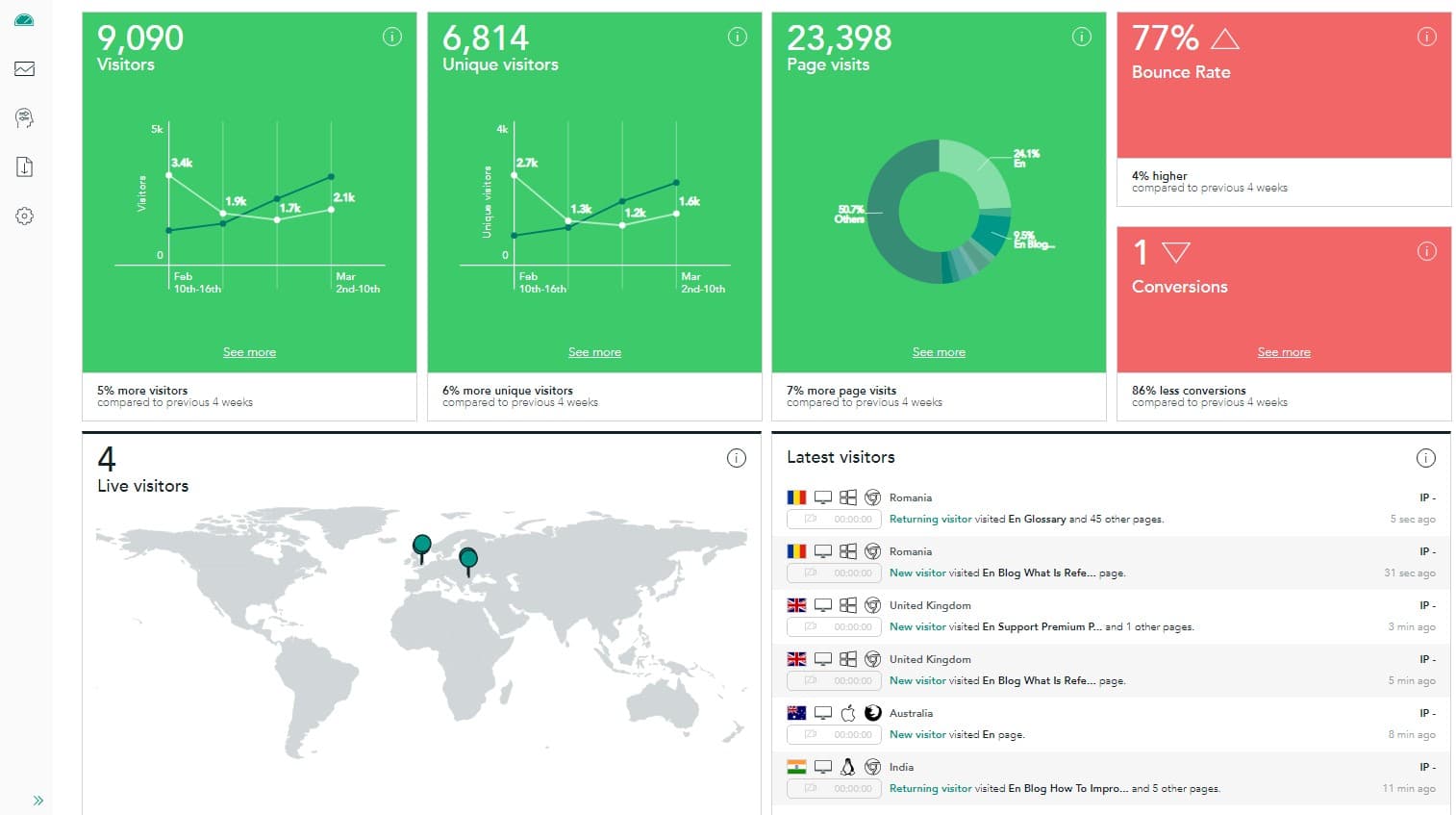
bing webmaster tools ai performance matters because it gives SEO teams a concrete answer to a question that dominated GEO and AI search conversations through 2025: which of our pages are actually being reused in Copilot-style answers? Instead of inferring AI visibility from scattered screenshots, the report surfaces citation activity, cited pages, and grounding queries inside the same publisher interface you already use for Bing. For teams trying to improve AI citation tracking without overbuilding a custom data warehouse, that makes it the most actionable first-party reporting layer currently available.
Microsoft announced the public preview on February 10, 2026, and Search Engine Land's launch coverage summarized the core elements: total citations, cited pages, grounding queries, and visibility trends over time. That matters beyond Bing itself. If you already follow our guides on Bing Copilot ranking factors and the broader answer engine optimization checklist, AI Performance gives you a way to test whether those workflows are producing more source reuse instead of just prettier pages.
What is Bing Webmaster Tools AI Performance and why does it matter?
The shortest useful definition is this: Bing Webmaster Tools AI Performance is a publisher report for citation visibility across Microsoft Copilot, Bing AI summaries, and supported partner experiences. It does not replace classic SEO reporting, but it fills a gap traditional rank tracking cannot solve. In an AI answer, your page can influence the user even when they never see a classic ten-blue-links layout, so you need visibility into reuse patterns at the page and query-cluster level.
That is why the report is strategically different from a standard performance dashboard. Search Console is still indispensable for clicks, impressions, and landing-page outcomes, and Google says in AI features and your website that there are no extra technical requirements for AI features beyond normal Search eligibility. But Google still blends AI feature traffic into its broader search reporting, while Bing is explicitly giving publishers an AI-specific visibility surface. That means Bing AI Performance is often the fastest place to learn whether a page is becoming more citation-ready after an update.
| Reporting Surface | Best For | Main Limitation |
|---|---|---|
| Bing AI Performance | Citation visibility, cited pages, grounding queries | Does not prove click quality or business impact on its own |
| Google Search Console | Clicks, impressions, landing-page performance | AI-specific traffic remains blended into overall search |
| Analytics / GA4 | Engagement, conversions, assisted outcomes | Cannot tell you which AI answers cited the page |
The practical implication is that AI Performance should sit beside your existing reporting stack, not on top of it. It answers the citation question. Your other systems still answer the traffic and revenue questions.
Which metrics inside Bing AI Performance deserve the most attention?
Teams often make the same mistake the first week they open the report: they obsess over the headline citation number. That number is directionally useful, but it is not the most strategic metric. The higher-value views are usually cited pages and grounding queries because they tell you which URL actually became reusable and which problem space Microsoft associates with that URL.
Use citation counts as a trend signal, not a scoreboard
Citation growth can tell you whether a topic cluster is becoming more visible in Bing's AI systems, but it cannot tell you whether the traffic was qualified or whether the cited answer reflected your preferred commercial page. That is why a page-level trend is more actionable than a sitewide total.
Cited pages show where your real AI source material lives
This view often reveals that the page you wanted cited is not the page Bing is actually trusting. Sometimes a glossary page is winning citations while the commercial explainer is not. Sometimes an older article is outperforming the newer one because it answers the question more directly. Those are internal-linking and content architecture decisions, not report glitches.
Grounding queries are the bridge from reporting to editing
Grounding queries do not need to match the user's exact wording to be useful. They still tell you which task or subtopic Bing linked to the cited page. That makes them excellent inputs for H2 rewrites, AI summary blocks, definition passages, and comparison tables.
| Metric | What It Tells You | Best Next Action |
|---|---|---|
| Citations | Whether AI reuse is rising or falling over time | Check trend breaks after page launches or refreshes |
| Cited pages | Which URLs Microsoft is trusting as source material | Consolidate duplicates and strengthen internal paths |
| Grounding queries | Which intent clusters map to each cited URL | Rewrite sections to answer those tasks more completely |
This is also why the late-March 2026 query-to-page mapping update matters. Industry coverage described it as a faster way to connect grounding queries directly to cited URLs, which turns the report from a passive analytics surface into a prioritization tool.
How should you use grounding queries without overreading them?
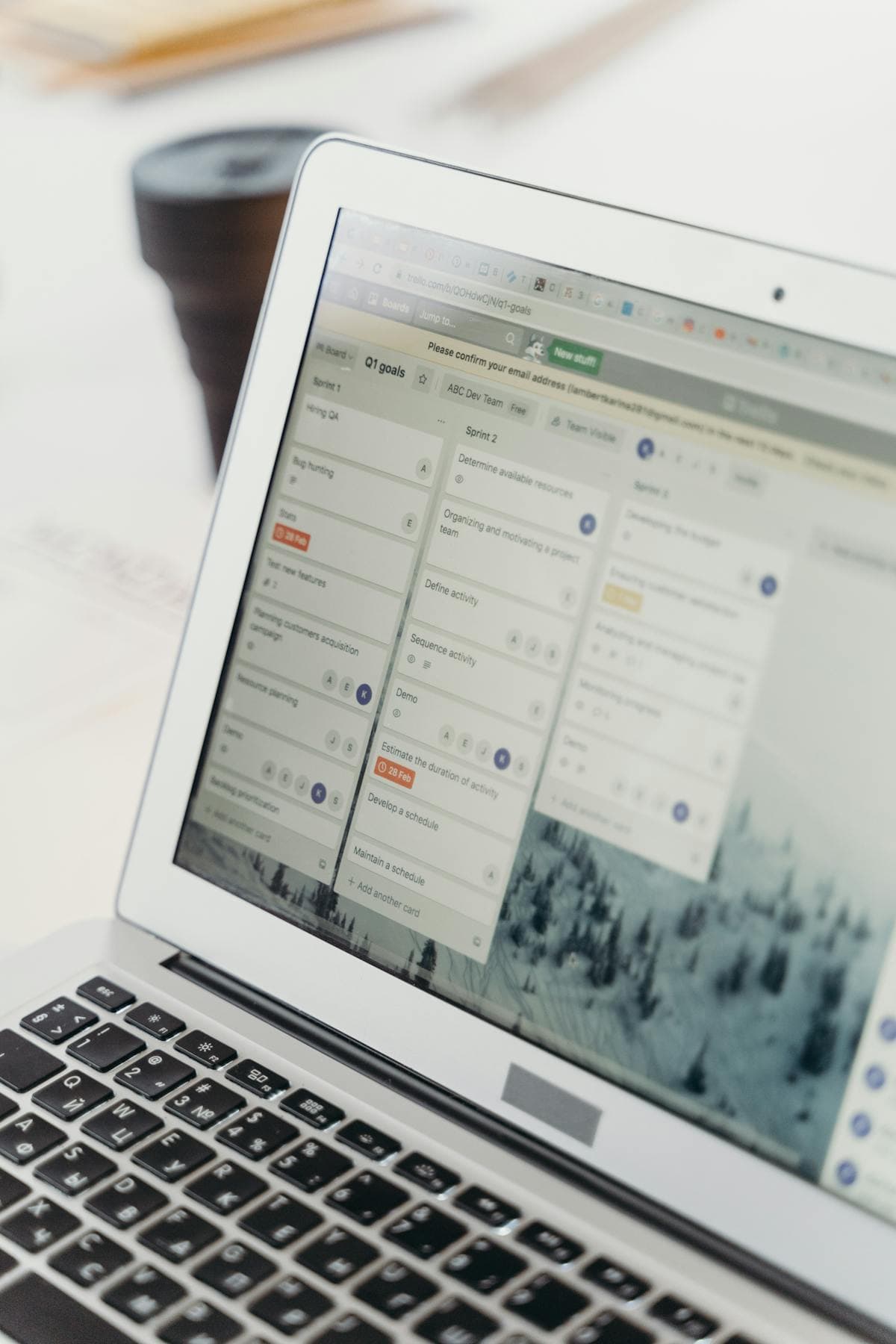
Grounding queries are the part of Bing AI Performance most likely to be misunderstood. They are not a transcript of every user prompt, and they are not a substitute for keyword research. They are best treated as retrieval language: the normalized phrasing or intent shape Microsoft used when connecting an AI answer to your page. That makes them useful for content design, especially when grouped by job-to-be-done instead of by exact wording.
Start by sorting grounding queries into a few intent buckets: definition, comparison, implementation, validation, and purchase support. If your cited page is attracting mostly definition-style grounding queries, but the page is supposed to support bottom-funnel evaluation, you have a mismatch. The page may be too introductory, the commercial sections may be buried, or Bing may trust a neighboring article more than the one you meant to rank.
Rewrite H2s so they match the strongest query clusters
A page that surfaces grounding queries about setup, limitations, and reporting should probably have H2s that answer those exact branches. That is the same logic behind our writing for AI answers framework: sections should be independently understandable when an answer engine lifts them out of context.
Map queries to a single canonical source page
If several URLs compete for the same grounding-query cluster, your AI visibility data will look noisy even when your content is good. Use the patterns in our topic cluster guide and canonical checklist to consolidate overlap before you blame the report.
Grounding queries are most valuable when they trigger content edits. If they only trigger curiosity, the team will stop using the report.
How do you turn cited pages into real SEO actions?
The fastest wins usually come from treating cited-page data like a QA queue. Pull your top cited pages, compare them with your preferred commercial and educational URLs, and ask three questions: is Bing citing the right page, is that page answering the whole task, and does the rest of the site support it with clear links and corroborating evidence?
Upgrade answer blocks first
If a page is already getting cited, do not rebuild the whole template before improving the part Bing is obviously finding. Tighten the opening paragraph, add a two-sentence AI summary, and insert a table or checklist that resolves the most common comparison or implementation question. Pages that already have citation traction usually benefit more from clarity upgrades than from wholesale expansion.
Strengthen the supporting cluster around the cited page
AI reuse tends to improve when a page sits inside a coherent topical system. If your AI Performance report shows repeated citations for a measurement page, then nearby articles on Search Console workflows, SEO dashboards, and AI-era rank tracking should reinforce it with descriptive links and non-duplicative coverage.
Use Bing data to validate off-page trust work
When citation growth follows improved author pages, better source linking, or stronger brand consistency, that is a useful signal that your trust layer is helping the content travel. It will not prove causation by itself, but it helps you evaluate the same trust-signal work described in our brand mentions guide and organization schema playbook.
| Report Pattern | Likely Issue | Best Fix |
|---|---|---|
| One old page gets most citations | Better answer structure on the older URL | Consolidate or reframe the newer competing page |
| Many citations, weak on-site engagement | Answer solves the question but page does not convert | Improve offer fit, CTA placement, and next-step links |
| Grounding queries cluster around adjacent intents | Page is underspecified or missing follow-up sections | Add question-led H2s, examples, and comparison blocks |
How should Bing AI Performance connect with Search Console and analytics?
Citation visibility is not the same thing as qualified traffic, so you need a layered reporting model. A simple version has three layers: citation reporting from Bing AI Performance, search demand and landing-page performance from Search Console, and engagement plus conversion quality from analytics. When those layers move in the same direction, you can be more confident that a content change mattered.
This is also where many teams misuse GA4. Search Engine Land wrote in early February 2026 that GA4 alone cannot measure the real impact of AI SEO because it captures only the visits that actually click through, not the answer exposure that happens inside the AI interface. That is exactly why Bing AI Performance is valuable: it gives you visibility before the click. Your analytics stack then tells you whether those cited pages also perform once a session happens.
Build one shared page set across tools
Pick the same 10 to 20 URLs in all systems. If every dashboard uses a different page group, the reporting conversation collapses. Track citation trends in Bing, clicks and impressions in Search Console, and business outcomes in analytics on the exact same cohort.
Annotate updates and review weekly
When you publish a section rewrite, add a richer table, or fix internal links, log the change date. This makes it possible to interpret whether citation growth followed answer-structure changes, technical cleanup, or broader demand shifts. It also aligns with the measurement discipline in our SEO measurement playbook.
Use IndexNow as a speed lever, not a strategy substitute
If you are making frequent improvements to priority pages, speed of discovery matters. Microsoft's broader Bing ecosystem continues to support IndexNow for fast URL change notification, and that can help your updated pages get reconsidered more quickly. It does not compensate for weak content, but it can reduce lag between publishing and evaluation.
| Layer | Core KPI | Review Cadence |
|---|---|---|
| Bing AI Performance | Citation trend and top cited pages | Weekly |
| Search Console | Landing-page clicks, impressions, query spread | Weekly |
| Analytics | Engaged sessions, conversions, assisted outcomes | Weekly and monthly |
What Bing AI Performance does not tell you yet
The report is valuable precisely because it is specific, but that also means it has clear boundaries. It does not replace revenue reporting, it does not prove prompt-level ranking across every AI platform, and it does not settle whether a citation produced qualified demand. If you mistake citation counts for commercial success, you will overinvest in answer visibility that never turns into pipeline.
No click data means you need a second layer of validation
Early coverage of the report repeatedly pointed out that citations are not the same as clicks. That is not a flaw; it is just a limit of the dataset. Treat citations as exposure, then validate with landing-page behavior and conversion data before you declare a win.
The report is Bing-specific, not a universal AI search panel
Copilot visibility is important, but it is only one part of the AI discovery landscape. If your audience also uses ChatGPT, Perplexity, and Google's AI features, Bing AI Performance becomes one strong signal inside a wider measurement framework. That is why the most sophisticated teams still maintain manual prompt sets or supplemental third-party tracking for cross-engine visibility.
Data quality improves when your information architecture is clean
Duplicate pages, mixed canonicals, weak internal links, or shallow answer sections can make the report look inconsistent because your site is inconsistent. Before assuming the metric is noisy, run the basics: canonical review, snippet eligibility, and a quick content quality audit. Our technical SEO checklist and meta robots guide help remove those false negatives.
What does a 30-day Bing AI Performance workflow look like?
The best rollout is small, repeatable, and tied to real URLs. Do not start with your whole site. Start with a page set where AI visibility matters: commercial guides, high-intent comparisons, product explainers, and operational FAQs. Then review the same pages each week.
Week 1: establish the baseline
Export the most cited pages, review grounding queries, and pull Search Console and analytics data for the same URLs. Note which pages you expected to see versus which pages Bing is actually citing.
Week 2: improve answer structure
Rewrite intros, add AI summary blocks, tighten H2 questions, and insert tables or FAQs where the grounding-query data suggests missing follow-up coverage. Keep the edits narrow enough that you can attribute change.
Week 3: fix supporting signals
Improve internal links, update source citations, review schema accuracy, and notify Bing faster if you are using IndexNow. This is usually the week where the page stops being merely readable and becomes reliably reusable.
Week 4: review outcomes and expand carefully
Compare citation direction, Search Console performance, and conversion quality. If the page improved on visibility but not on engagement, your next round should focus on intent fit and next steps. If both visibility and quality improved, expand the workflow to the next cluster rather than publishing a random new article.
| Week | Priority | Deliverable |
|---|---|---|
| 1 | Baseline | Shared page set and reporting snapshot |
| 2 | Answer quality | Tighter openings, H2s, tables, and FAQs |
| 3 | Support signals | Better links, sources, schema, and crawl notification |
| 4 | Outcome review | Decision on iteration, consolidation, or expansion |
This workflow is simple on purpose. The report becomes powerful only when it changes what the team ships.