
Rank Tracking in the AI Era: How to Measure Volatility Safely
A practical, source-backed guide to rank tracking in 2026: why rankings are noisy, what Search Console can measure reliably, and how to report volatility without overreacting.
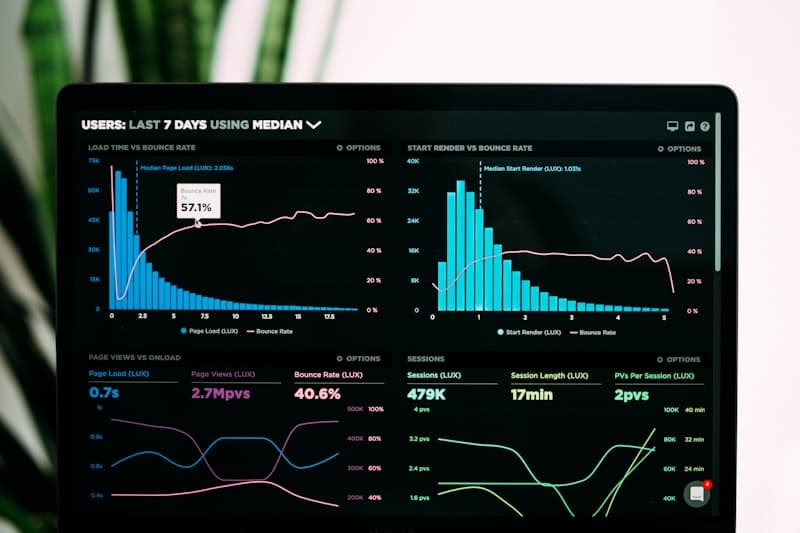
Treat rank tracking as a directional signal. Use Search Console for grounded measurement and add context for SERP features and AI-era layouts.
TL;DR (Key takeaways)
- Search Console is the most reliable place to measure Google Search performance for your site because it’s built on Search Console reporting, not simulated queries. (Performance report)
- Use rank trackers as a sampling tool, not a single source of truth. Report uncertainty explicitly.
- Volatility reporting is analysis, not reporting: separate “what changed” from “why it changed.”
- Track SERP feature exposure and answer-style results separately from classic blue-link ranking. (Featured snippets)
What we know (from primary sources)
Search Console documents the Performance report as the interface for analyzing Google Search performance by queries, pages, and other dimensions. (Search Console Performance report)
Google’s “How Search Works” documentation explains the core stages of crawling, indexing, and serving results, which is useful context when you interpret ranking volatility and measurement lag. (How Search Works)
Google documents featured snippets as one example of a search result presentation, reinforcing that “ranking” is not always a single list of ten blue links. (Featured snippets)
Reporting vs analysis (don’t mix them)
A useful volatility practice starts by separating:
- Reporting: what changed (clicks, impressions, position, CTR) in Search Console
- Analysis: why it changed (content updates, technical issues, SERP features, competitor movement)
This separation is the difference between “we saw movement” and “we shipped the right fix.”
A safer volatility workflow
Step 1: Start with Search Console segmentation
Use Search Console to segment the change:
- Query vs page (what moved)
- Device and country (where it moved)
- Search appearance (when available)
If you need a repeatable routine, follow this Search Console workflow guide.
Step 2: Add SERP feature context
Volatility can be caused by changes in query intent, result layouts, and search features. Track these as a separate layer and connect them to performance changes rather than assuming “we lost a rank.” Google’s documentation on featured snippets is a good reference point for how results can be presented. (Featured snippets)
For an overview of common SERP features and how to interpret them, see SERP features, snippets, and rich results.
Step 3: Use rank trackers as samples (not truth)
Most third-party rank tracking is a sampling system. It can be useful for spotting patterns, but it can also create false certainty. Treat trackers as an input to analysis and validate conclusions with Search Console whenever possible.
How to present volatility in dashboards
Add a “volatility” section to your reporting model that includes:
- Top winning/losing query clusters (Search Console)
- Top winning/losing page templates
- Release annotations (what changed on the site)
- SERP feature notes (what changed on the results page)
Use the dashboards & KPIs guide as your baseline model.
What’s next
- Standardize your measurement model: SEO measurement playbook (hub)
- If you’re shipping big changes, add experiment discipline: SEO experiment design
Why it matters
In AI-era search, volatility is easy to misread. A safer rank tracking practice reduces reactive churn and focuses teams on fixes that can be validated with primary measurement sources.
Sources
- Google Search Console Help: Performance report
- Google Search Central: How Search Works
- Google Search Central: Featured snippets
Updated February 16, 2026.